Import recipes from photos
Snap photos of cookbook pages, magazine recipes, or printed cards and import them into recipes.im. We work out which photos belong to which recipe and parse them.
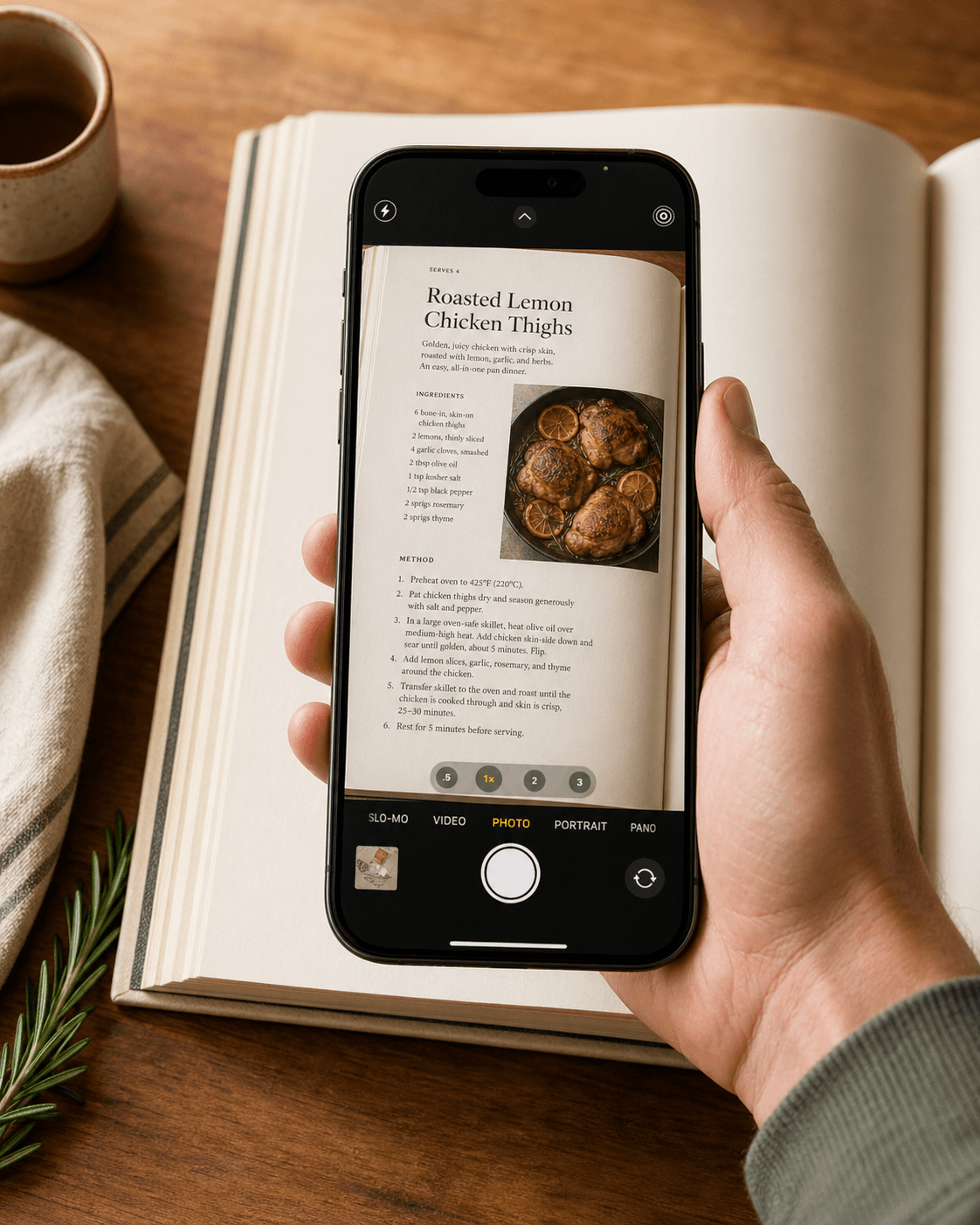
Some of the best recipes still live in cookbooks. Snap one photo or a stack of them — multi-page spreads of one recipe collapse into a single import; separate dishes become separate recipes.
- 1
Open the camera or photo picker
From the Recipes tab, tap + and pick one of:
- Camera — snap recipes in real time. Take as many shots as you need.
- Photos — pick existing recipe photos from your library.
- Files — import from PDFs or saved images.
- 2
Snap or pick your photos
Lay the book flat in good light. Try to capture the whole recipe — title, ingredients, and method — in one shot per page. For a recipe that spans two pages, take two shots. For a stack of unrelated recipes, snap them all in one session — we'll work out the boundaries.
- 3
Tap Import and wait for the vision pass
Photos go through a vision pass that reads the text out, then parses each recipe. A placeholder card appears in your grid first; if we found multiple recipes, it fans out into one card per recipe as each finishes (~10–30 seconds each).
Troubleshooting
The recipe came out garbled
Usually a focus or lighting problem. Retake the photo with the page flat, the camera parallel, and avoid harsh shadows. Cookbook fonts are usually fine; handwriting is hit-or-miss.
Two-page recipe came in as two recipes
Rare but it happens — the boundary detector occasionally splits a long recipe in two. Delete the duplicates and keep the one that has both halves stitched. Or merge with Remix with AI.
We didn't find every recipe in my stack
Re-snap the missing ones in another import. Faint scans, blurry shots, or pages where most of the recipe is off-frame can get skipped — we'd rather miss one than hallucinate ingredients.
Related guides
Share recipe text from Notes, Mail, Messages, ChatGPT, Claude, or any app where you can select text — recipes.im parses it just like a website.
Send any recipe link from Safari to recipes.im. Works with food blogs, cooking magazines, and most recipe sites.
A short tour of what happens between tapping Share and the recipe landing in your library — and the architectural choice that keeps it cheap to run.
Common problems and fixes — failed imports, missing ingredients, scrambled steps, sync issues.